









Power BI dashboard
Your company already generates the answers; they’re buried in the wrong places. We build Power BI dashboards that pull everything together so your team starts acting on them.
Book a call with our team. We'll look at your current reporting setup and give you an honest picture of what a custom Power BI dashboard could do for you.


It’s not that your business lacks information. It’s that the information is everywhere , in a spreadsheet someone emailed on Friday, in a CRM no one fully trusts, in a BI tool you stopped opening six months ago.
People make decisions based on gut feel or last month’s report. Because pulling the right number probably takes longer than the meeting itself.
What does your operations lead need to know before 9am? What makes your CFO nervous at month-end? What would your sales team look at every morning if it actually existed?
Then we build exactly that. Connected to your live systems, modelled on your logic, and designed so that the people who need it most can use it without a training course.
We handle everything to the moment your team opens the dashboard and says, ‘Oh, this is exactly what we needed’. Here’s what this looks like in practice:
Excel files people email around, your CRM, your ERP, an Azure database your IT team set up three years ago, if the data exists, we find a way to connect it and keep it live.
We use your terminology, your KPI definitions, your structure and branding. The goal is a dashboard your team opens naturally, not one that needs a legend to understand.
Automated refresh so the dashboard reflects today, not last Wednesday. No manual exports and ‘can you re-run this’ messages on Slack.
Row-level security and role-based views mean your CFO sees the full picture while regional managers see their own. Sensitive data stays where and to whom it belongs.
The layout adapts to your current state at the office, on the go or the big screen during important C-level meetings.
Before you commit to the final look of a dashboard, we offer a complete mockup, you can share your feedback and ensure the final result meets your expectations.
We start with a 30-minute call. We want to understand what information you rely on, where the gaps are, and what you’d do differently if you had a clearer picture.
By the end of this call, we’ll be able to tell you honestly whether a Power BI dashboard is the right solution and what connecting your data would involve. If it’s not the right fit, we’ll tell you that too.
Before we connect anything, we put together a visual mockup of your dashboard based on what we’ve learned in the discovery call.
We find this step saves a lot of time. You might look at it and realise a section is missing, or that the layout doesn’t match how your team presents to leadership. We refine the mockup together, then we move forward.
Once we agree to move forward, we connect to your data sources. That might be a set of Excel files, a CRM, an ERP, a SQL database, or a combination of all of them. We look at how your data is structured, where it’s clean, and where it needs work.
This is also where we define the logic. We document your definitions, so the dashboard reflects numbers you will recognise and trust.
With the data connected and the logic in place, we build out the full dashboard. From here we refine in short cycles, you tell us what’s landing well, what’s missing, and what needs presenting differently. We adjust quickly.
When you’re happy, we hand it over properly. Clear documentation of every data connection, transformation, and measure we’ve built. And a straightforward conversation about ongoing support.
Most clients come to us with a specific frustration. These are the areas we work in most often:
Where is the pipeline actually healthy, where is it stalling, and what does the rest of your quarter realistically look like, without waiting for Friday’s report.
Which orders are at risk, where are SLAs being missed, and what does throughput look like across sites or teams, updated live throughout the day.
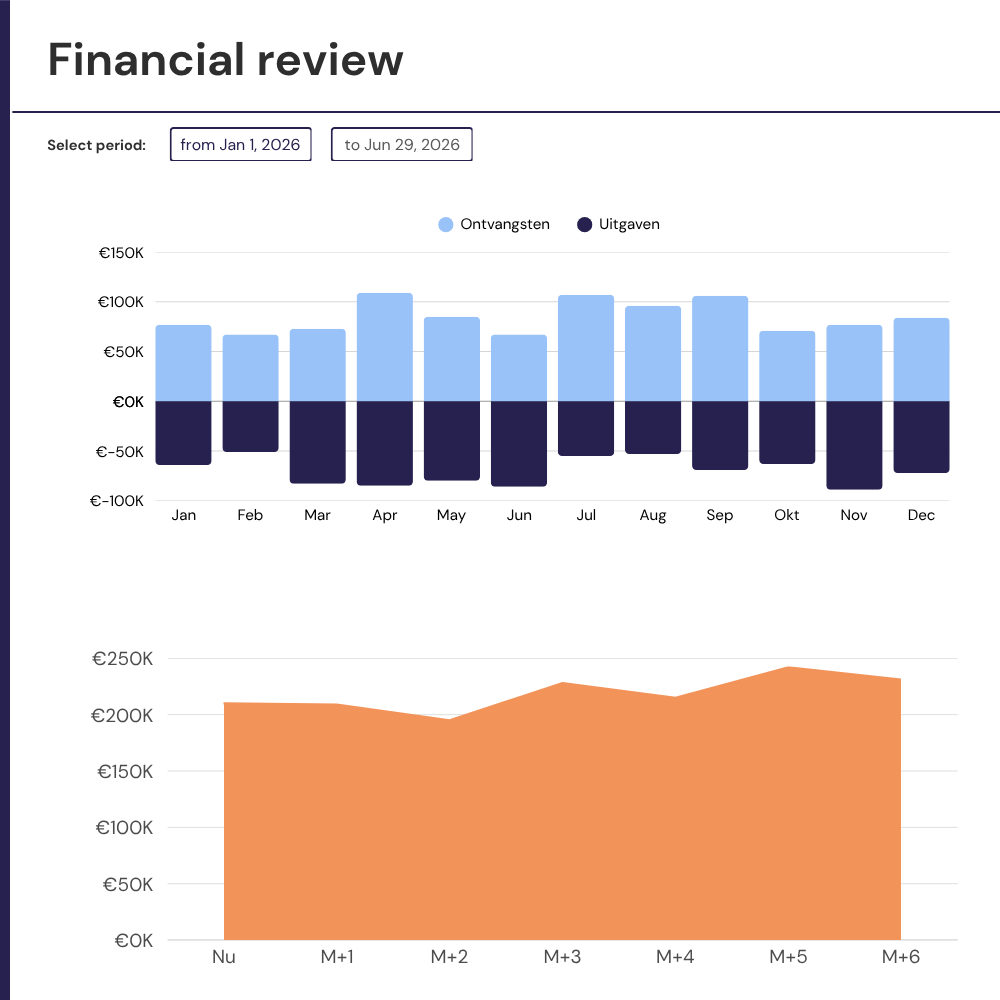
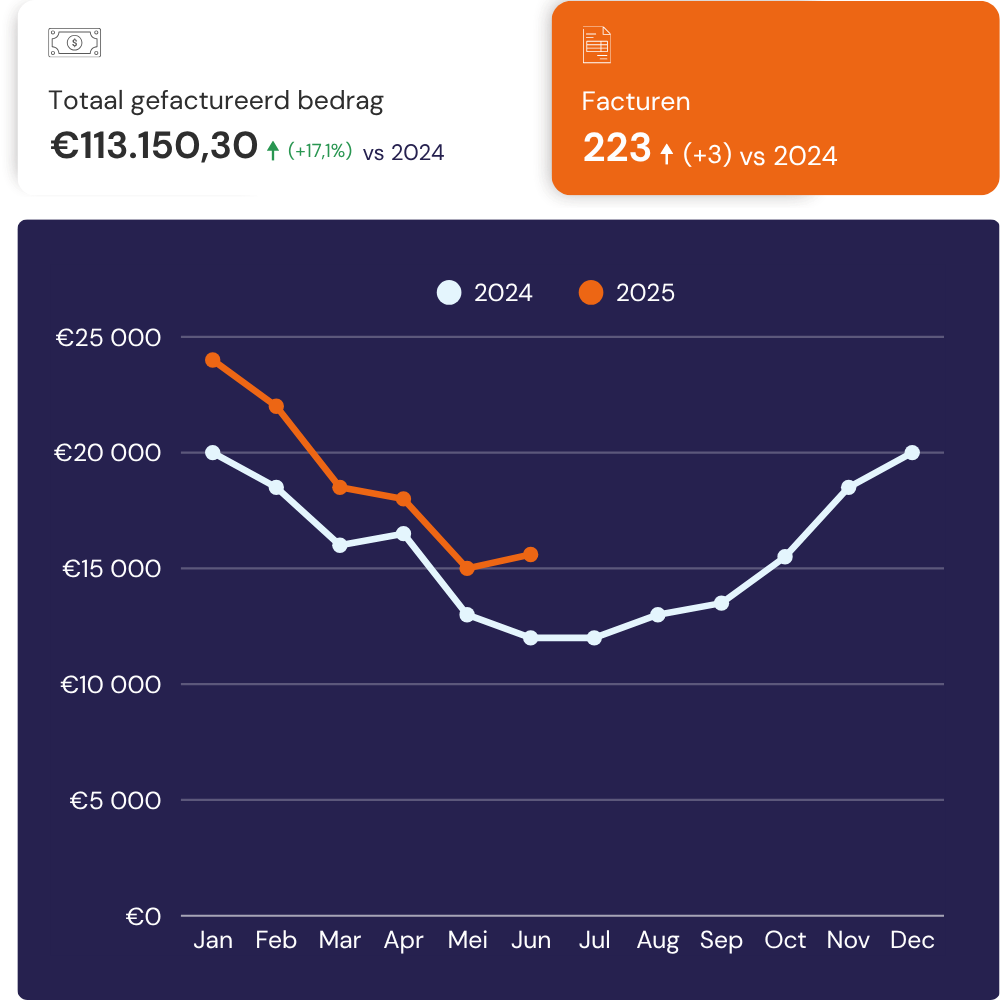
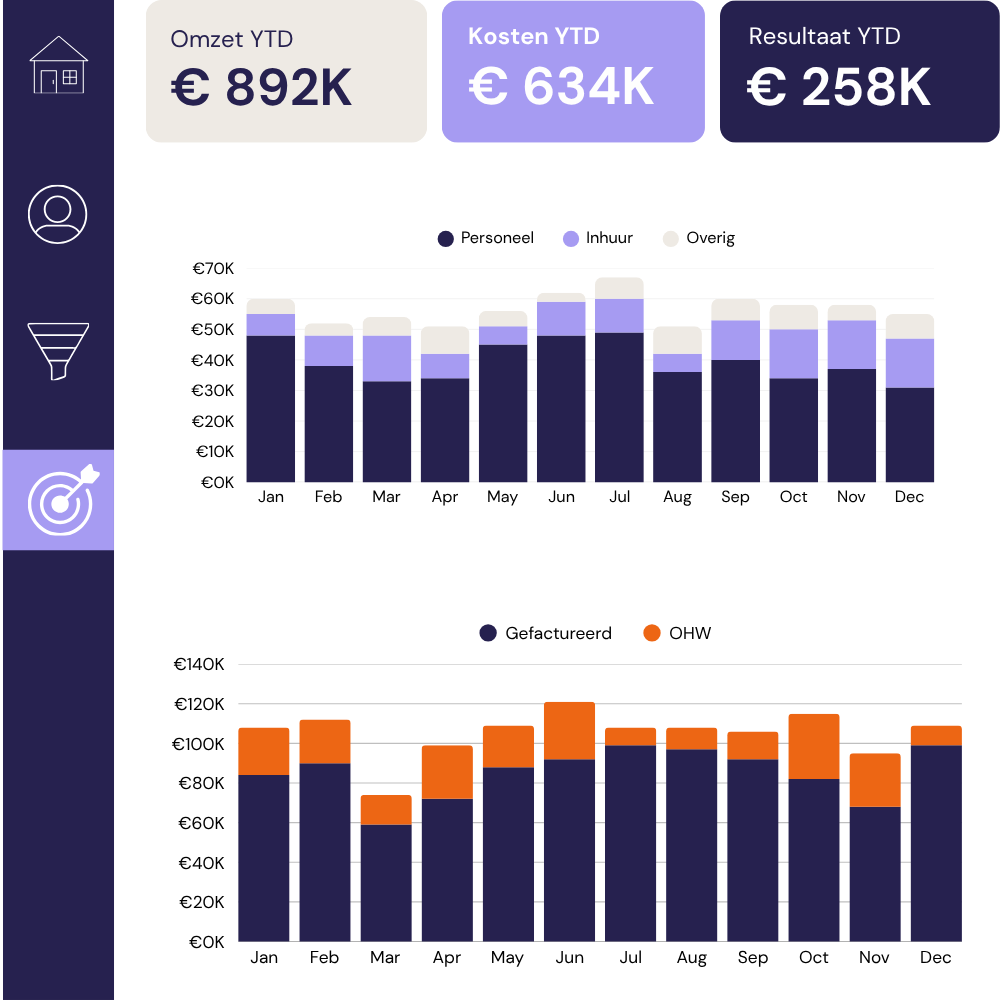
Usually, everyone’s pulling from different sources with different logic. We build a single financial view: budget vs actuals, department spend, and cash position, that the whole business is working from.
Hiring pipeline, absence, and performance data rarely live in one place. We bring it together so HR and leadership are looking at the same numbers when resourcing decisions need to be made.
Multi-channel attribution is messy. We pull your campaign data into a single view that shows cost-per-acquisition, pipeline contribution, and ROI by channel, so budget decisions are based on evidence.
Milestones, resource utilisation, and risk indicators scattered across project tools and spreadsheets. We consolidate them into a view your team and your clients can both read and trust.
Issue 4 | April 2026 AI is designing running in the background, managing workflows, learning your preferences, and embedding itself into the infrastructure your company already runs on. Anthropic launched Claude Design. OpenAI released GPT-5.5 and landed a major AWS partnership. Google renamed Looker Studio back to Data Studio. Snowflake’s Intelligence platform got a personal […]
What happened in data and AI? If February was about AI growing up, March is about AI actually doing things. Actually running pipelines, detecting threats, writing and executing code, holding a real-time conversation in over 200 countries simultaneously. The stuff that came out this month are on the theme of autonomy. And the question of […]
This article is part of a series on how i-spark uses AI in our work. For an overview of the three main categories of AI use: ideation, code assistance, and data analysis, see our companion article. AI-assisted coding is now standard practice across data initiatives, with code writing and code reviewing. Most development teams use […]