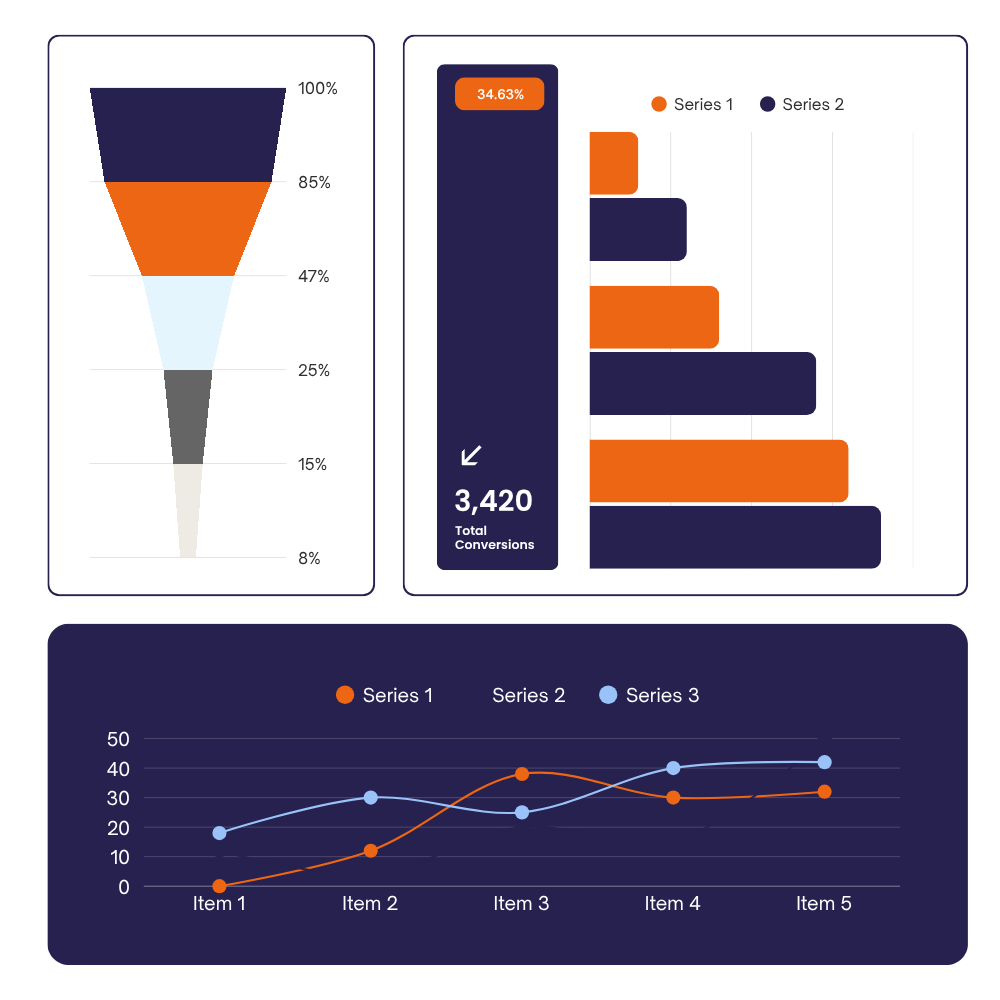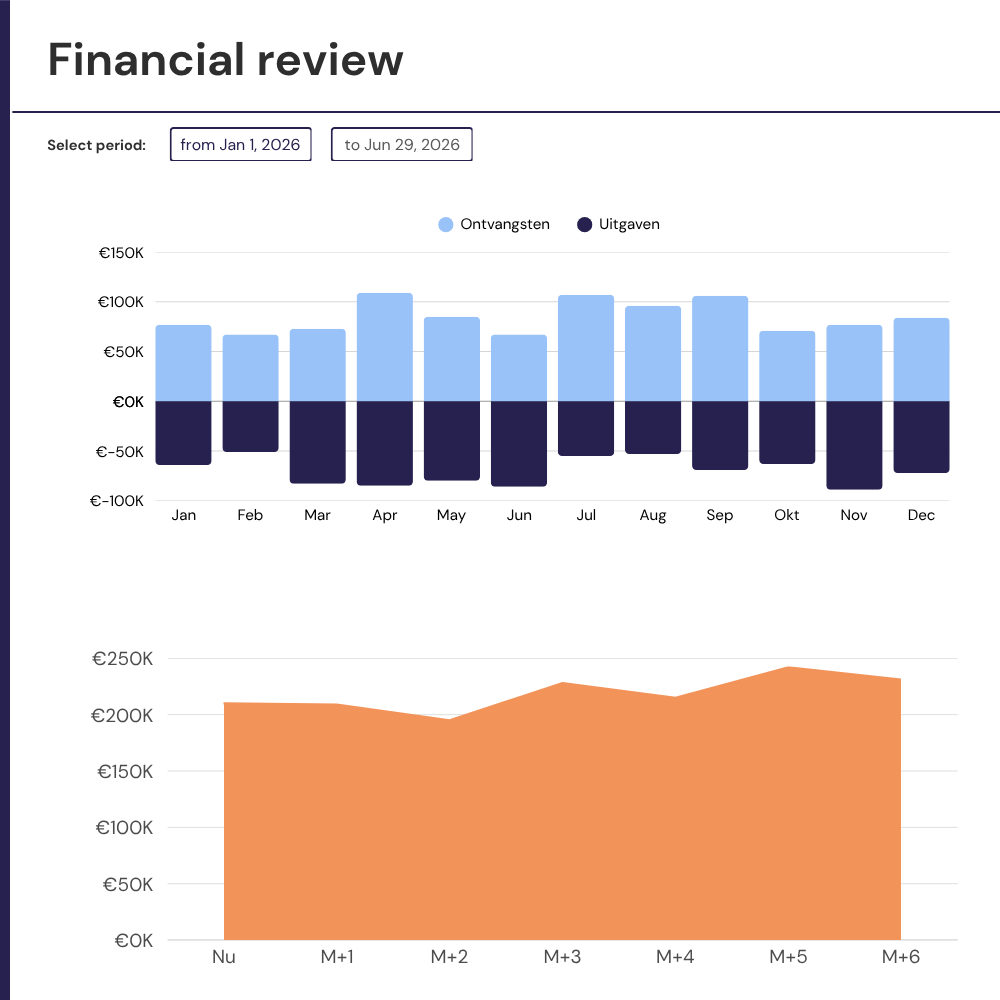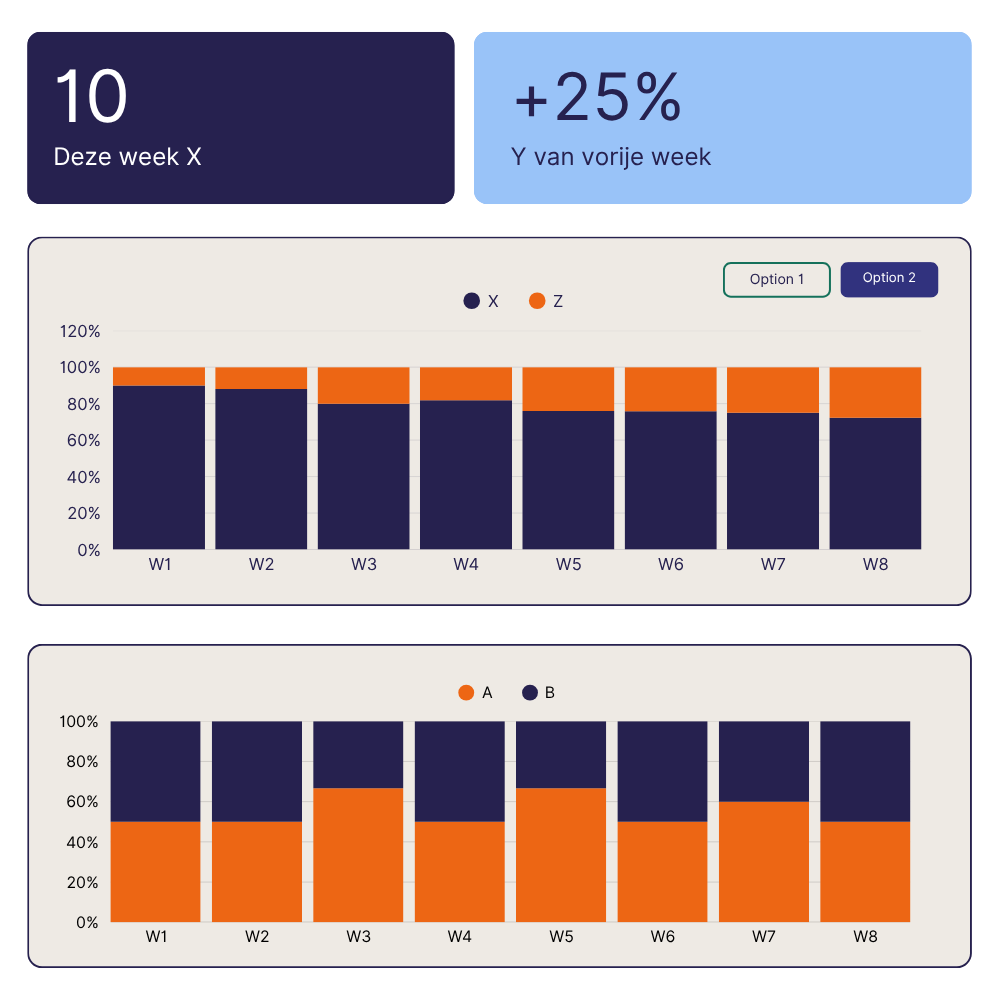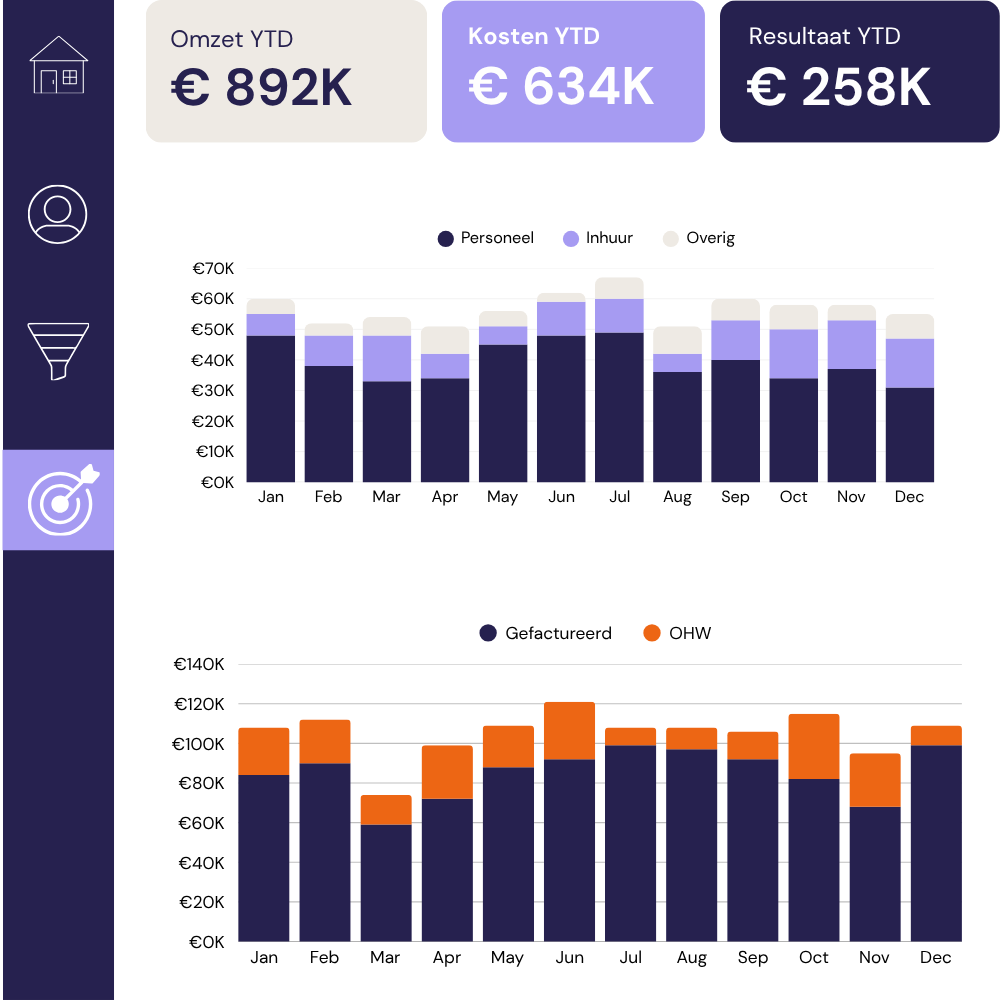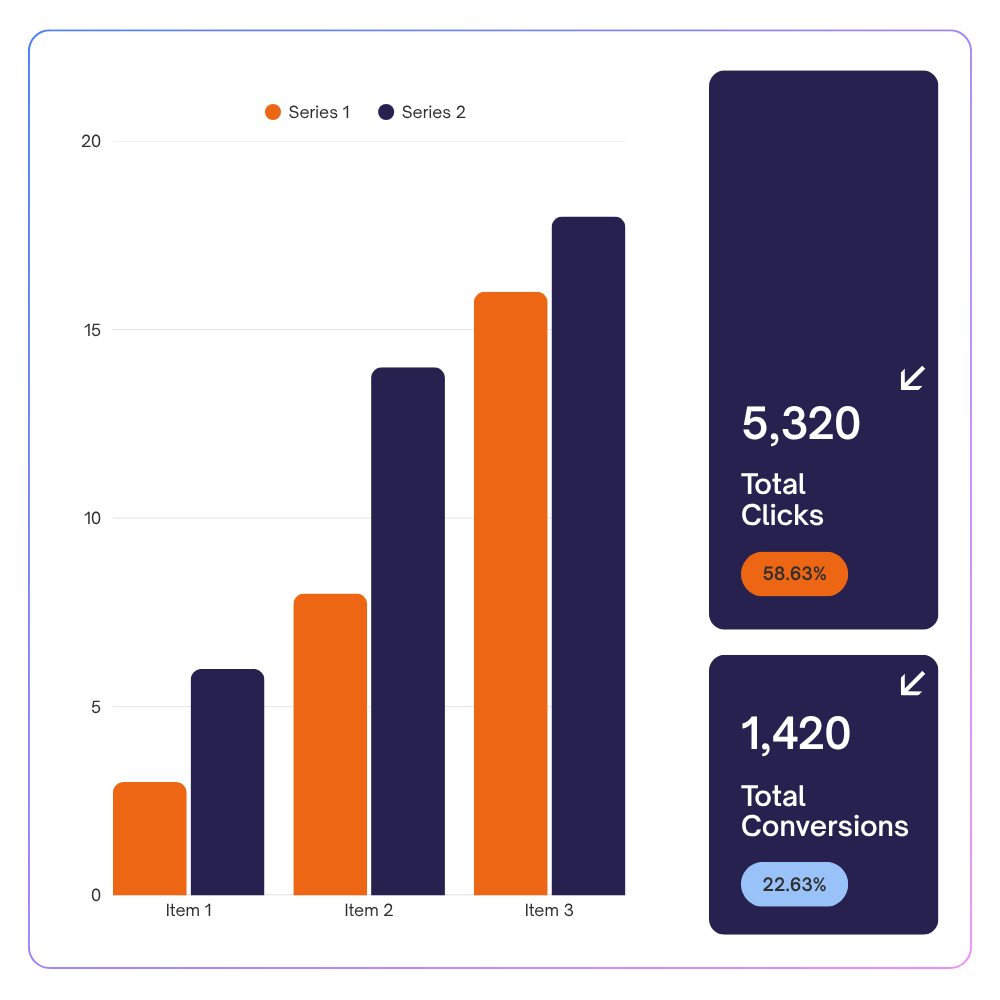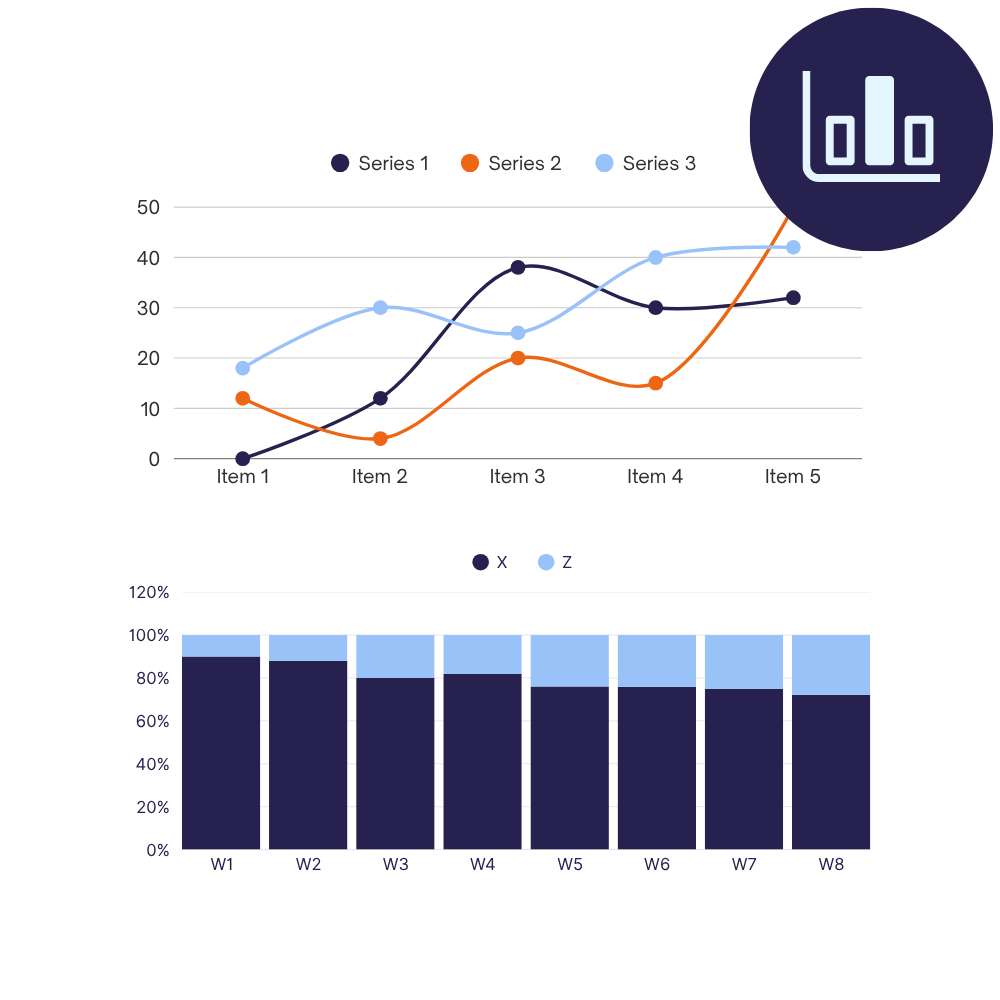









Looker Studio dashboard
Looker Studio connects natively to GA4, Google Ads, Search Console, BigQuery, and the rest of the Google ecosystem. That native connection is what makes it powerful for businesses running on Google data.
We build custom dashboards on top of it that turn those sources into a single, clear view you can use to make decisions.


GA4, Google Ads, Search Console, BigQuery: the data your business runs on is spread across platforms that each show you their own slice of the picture. Every Monday someone exports something, pastes it into a spreadsheet, and tries to make it tell a coherent story before the weekly review.
By the time the report is ready, it is already out of date. And the next time a question comes up mid-week, the whole process starts again.
We connect directly to your Google properties: GA4, Google Ads, Search Console, BigQuery, and any other sources in scope ,and build a dashboard that brings everything into one view, updated automatically, designed around the decisions it needs to support.
The metrics are defined the way your business defines them. The layout is built for the people who will use it. And because it is connected to your live data, it is ready the moment anyone opens it.
Looker Studio is at its best when the data sources are clean, the metrics are defined correctly, and the layout is built around the decisions it needs to support. Here is what that delivers.
Every source your reporting draws on is brought into a single view, refreshed automatically, so the full picture is in one place every morning.
When the numbers update themselves and everyone is looking at the same dashboard, the time spent preparing for a weekly marketing review drops from an hour to a glance.
Calculated fields and blended data sources are built around your specific definitions, so conversion rate, ROAS, and cost per lead mean the same thing in the dashboard as they do in your strategy documents.
Meta Ads, LinkedIn, CRM data, offline conversions: where your full picture requires sources outside the Google ecosystem, we connect them so the dashboard reflects the whole of your marketing activity.
Looker Studio reports are browser-based and shareable via a link. A client-facing version of your dashboard requires a share setting, not a licence, an export, or an extra platform.
Because every dashboard is built from scratch around your setup, adding a new data source, a new metric, or a new view later is a matter of extending what is already there.
A 20-minute call to understand which Google properties and other data sources are in scope, how your business defines its key metrics, and who will use the dashboard and for what decisions. We also look at your current reporting setup to understand where the frustrations are.
By the end of the call we can tell you what the build will involve, how long it will take, and whether anything in your data setup needs to be resolved before we start.
Before we touch your data sources, we put together a mockup showing the structure of your dashboard: which views are included, how they are laid out, and where each metric sits. This is the stage to tell us if something is missing, if a section needs rethinking, or if the layout does not match how your reporting audience reads the business.
Getting this agreed on first is what keeps the build clean.
We connect your data sources, set up the calculated fields that define your metrics correctly, and build the dashboard on your data. For blended sources, combining GA4 with ad platform data, for example, we make sure the joins are clean and the aggregations are accurate.
We will share a working version with you as soon as it is ready to look at. From there, we refine based on your feedback until every section is exactly right.
Every dashboard is built from scratch around your data sources, your metric definitions, and the audience who will use it. These are the views businesses ask for most often in Looker Studio.
Sessions, conversions, cost, and revenue across all channels in a single view. The dashboard your marketing lead opens first to understand how activity is translating into results.
Spend, impressions, clicks, CPC, ROAS, and conversion data across Google Ads, Meta, LinkedIn, and any other paid channels in scope. Built for those who manage budget allocation and need to see channel performance side by side.
Impressions, clicks, CTR, and average position from Search Console combined with organic session and conversion data from GA4. The view your SEO or content lead needs to track keyword trends, page performance, and how organic activity feeds into the funnel.
A shareable, branded dashboard for reporting to clients. Built to show the metrics clearly, without exposing internal benchmarks or budget details they should not see. Shared via link, updated automatically, nothing to export or prepare.
GA4 e-commerce data combined with ad spend and CRM revenue, where available, gives you a joined-up view of acquisition cost, conversion rate by channel, and revenue attribution.
Every business uses a slightly different combination of tools and tracks slightly different metrics. The view will be defined in the discovery process around what your business needs to see, rather than being fitted into a category that does not match.
Issue 4 | April 2026 AI is designing running in the background, managing workflows, learning your preferences, and embedding itself into the infrastructure your company already runs on. Anthropic launched Claude Design. OpenAI released GPT-5.5 and landed a major AWS partnership. Google renamed Looker Studio back to Data Studio. Snowflake’s Intelligence platform got a personal […]
What happened in data and AI? If February was about AI growing up, March is about AI actually doing things. Actually running pipelines, detecting threats, writing and executing code, holding a real-time conversation in over 200 countries simultaneously. The stuff that came out this month are on the theme of autonomy. And the question of […]
This article is part of a series on how i-spark uses AI in our work. For an overview of the three main categories of AI use: ideation, code assistance, and data analysis, see our companion article. AI-assisted coding is now standard practice across data initiatives, with code writing and code reviewing. Most development teams use […]