
Lessons from deploying a multi-agent analytical assistant on Databricks
Our journey
When our client asked for an AI assistant that could answer business questions about category management, we started simple: one agent with a comprehensive prompt and access to the data. Similar to ChatGPT, Gemini or Claude.
It didn’t work.
The single agent became a jack of all trades, master of none. With a large prompt attempting to cover the entire domain and numerous custom-built data tools at its disposal, it struggled to choose the right approach for each question. Simple questions got answers with unnecessary complexity. The complex questions got shallow treatment, and the agent was not able to use multiple tools after another.
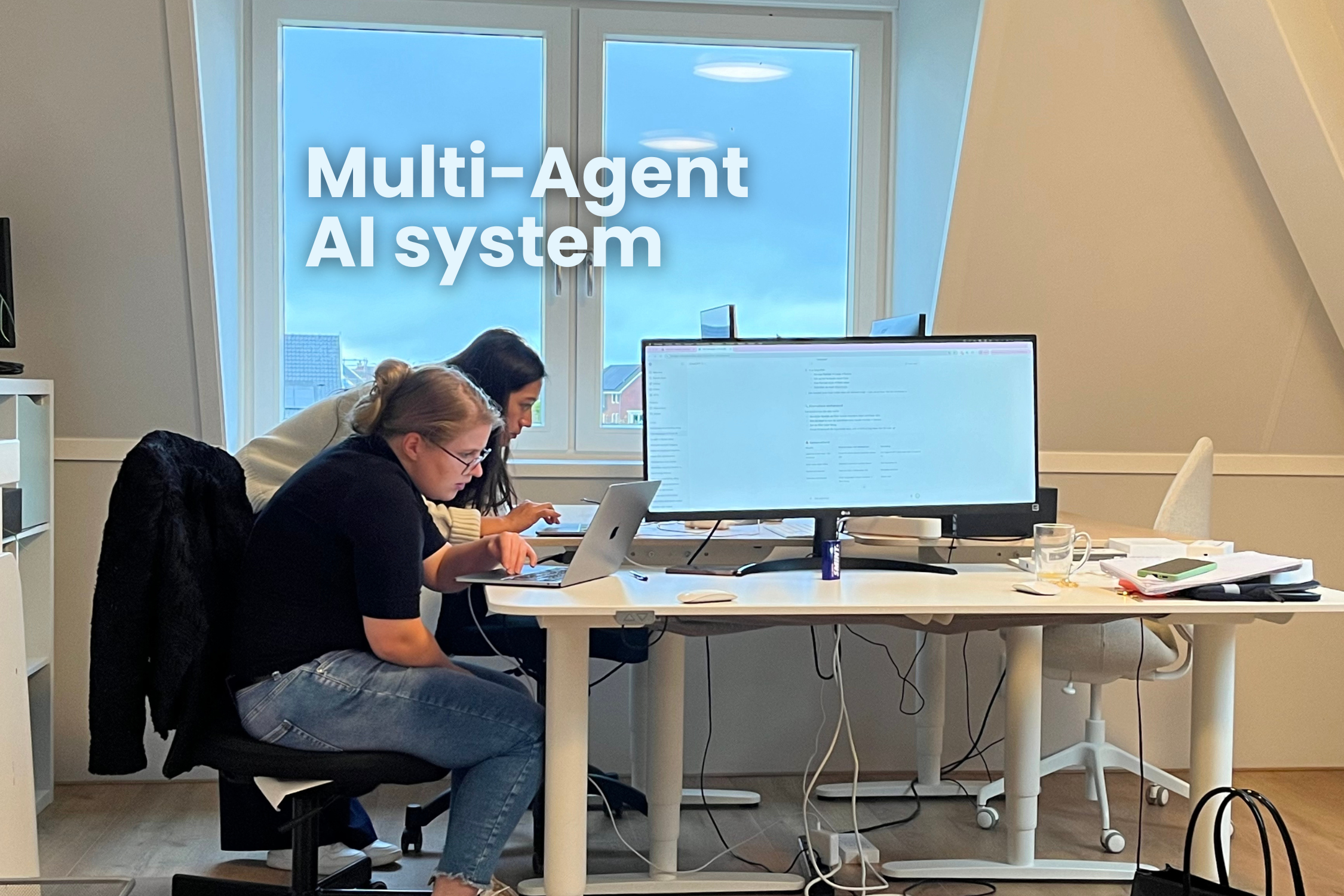
So we rebuilt it as a multi-agent system: A ‘team’ of specialized agents orchestrated by a coordinator, each handling a distinct analytical domain.
Two months later, we have a system that handles everything from “show me the top 3 performers” to “why did our conversion rate drop and what should we do about it?”
And it works. Business users can now run complex analytical queries that used to require hours of manual work. But getting here was quite a journey and taught us many lessons we want to share.
The architecture: One voice, many specialists
Reconsidering the architecture, we quickly landed on what we call the Spokesperson Pattern: only one agent ever talks to humans. Basically, it follows this pattern:
User Question
↓
[Coordinator] → Classifies, assigns tasks
↓
[Specialist Agents] → Work silently in parallel
↓
[Coordinator] → Synthesizes findings into a single response
↓
User receives one coherent answer
Our prototype coordinator let each agent respond and share it in one massive response.
It didn’t land well. The response was very detailed, long and full of discrepancies.
The Store Agent would say, “Germany is your best market“, while the Category Agent said, “Netherlands shows the highest growth.” Both are technically correct (different metrics), but this gets users confused.
The lesson: Users experience your system as one entity. Multiple voices create confusion, even when each voice is accurate. The coordinator must synthesize, not relay.
Agents and tools: A quick clarification on terminology.
In this context, an agent is an LLM with a specific role and instructions. But agents alone can only reason and generate text. To actually do things, like query a database or fetch data, they need tools.
Tools are functions the agent can call: a SQL query executor, a data retrieval API, and a calculation function. When we say an LLM has good “tool-calling” capabilities, we mean it reliably knows when to use a tool, which tool to use, and how to format the request correctly.
Our agents don’t just think about data. They actively query databases, retrieve metrics, and perform calculations. If tool-calling is unreliable, the agent might hallucinate an answer instead of fetching it, or call the wrong function entirely. Getting this right was essential for building a system users can trust.
Challenges we solved
Of course, we ran into challenges during development and validation. After many iterations and versions, we think that these are the top 3:
- Taming hallucination with temperature
When agents can’t retrieve data cleanly, they estimate. And they don’t tell you they’re estimating.
We saw cases where an agent reported a metric, then cited the same metric twice as high in the next. Not because the data changed, but because the agent couldn’t execute the calculation properly and started making up plausible-sounding numbers.
The fix was straightforward: lower the temperature drastically. Temperature controls how “creative” the model is. Higher values produce more varied outputs, lower values keep it factual. We run at 0.1. For analytical work, you don’t want creativity; you want the model to stick to what the data actually says. Combined with strict tool usage enforcement, this eliminated the problem.
- Preventing agent loops
Multi-agent systems can fall into loops. Agent A requests clarification, Agent B provides it, Agent A asks again. Without safeguards, systems can spin for minutes, burning tokens and producing nothing.
Four mechanisms working together solved this:
- A hard graph recursion limit
- Soft iteration limits per question
- Detection of the same agent running repeatedly
- Explicit “no more pending tasks” checks
Each layer catches different failure modes. Remove any one of them, and loops return.
- Isolating tool results
Here’s a subtle bug that took some time to diagnose: Agent A runs a database query, gets results. Agent B sees those results in the shared message history, gets confused, and runs a similar query with different parameters. The results were compound, and the analysis became inconsistent.
The solution: each agent handles its tools internally, with results never entering the shared state. Agents return their findings (synthesized text), not their process (raw query results). Clean separation, clean results.
3 important tips
- Specialization over generalization
Each agent with a focused domain, clear responsibilities, and a manageable set of tools performs far better than one agent (or a few) trying to do everything. The coordination overhead is worth it.
Our swarm of agents own a specific analytical domain each: store performance, category trends, anomaly detection, pricing analysis, promotions, and more. When a question spans multiple domains, the coordinator routes it to the relevant specialists and synthesizes their findings.
- Fast Path for simple questions
Our first version ran all the agents for every question. “What’s the top brand?” triggered anomaly detection, pricing analysis, and lifecycle assessment. That’s 30+ seconds of processing for a 2-second answer.
We implemented fast-path detection: simple questions skip the full orchestration and go straight to a single relevant agent. Response times dropped significantly for basic queries.
The sophistication of your response should match the sophistication of the question.
- Domain Knowledge in every agent
Generic LLMs don’t understand your business. We already knew this, and we saw it with house brands: our client’s own brands have no external competitors, so they always show “best competitive position.” Early versions proudly reported this meaningless metric.
Every agent needed explicit instructions about business-specific quirks: which entities to exclude from competitive analysis, what “performance” means in different contexts, and when missing data indicates a problem versus expected behavior.
You can’t build a useful business AI without encoding business understanding.
How do you choose the right model?
Model selection matters more than we initially expected. Not all LLMs are equal when it comes to tool-calling and analytical reasoning.
We use Anthropic’s Claude models via Databricks’ model serving.
We started with Claude Sonnet 4.5 and recently moved to Claude Opus 4.5. Compared to other LLMs available in Databricks, Claude’s tool-calling reliability and analytical capabilities stood out. When your agents need to consistently select the right database queries and reason about the results, these differences matter.
Fit for Purpose
Not every agent needs the most powerful model. Consider what each agent actually does:
- Complex reasoning tasks (diagnostics, recommendations): benefit from a capable model like Opus
- Straightforward retrieval (simple lookups, data fetching): a lighter model might suffice
- High-volume operations: cost adds up quickly with premium models
We haven’t fully optimized this yet, but there’s room to mix models based on agent complexity.
Token limits and costs
Multi-agent systems consume tokens fast. Each agent processes context, tool calls add up, and the coordinator synthesizes everything. With a swarm of agents potentially contributing to a single response, token usage can spike. And each model has a token limit per session and per day.
Databricks charges in DBUs (Databricks Units), and model serving costs scale with usage. Monitor this early. You can track tokens per agent to understand where consumption happens and where optimization might help.
The balance is always between capability and cost. A more capable model might answer correctly on the first try, while a cheaper model might need retries or produce lower quality output. Factor in the full cost of errors, not just the per-token price.
The Databricks reality
Getting a multi-agent system working in a notebook is maybe 20% of the effort. Deploying it for real users on Databricks is the other 80%. That said, Databricks gave us everything we needed to get to production.
The platform is sophisticated and capable. MLflow handles versioning and deployment. Model Serving scales automatically, and the Unity Catalog keeps governance tight. The depth of integration is impressive, though it means there’s a lot to learn. We found ourselves deep-diving into MLflow internals when documentation fell short, but the answers were always there.
Think of it as being handed a Swiss army knife with every tool imaginable, then being told to build a house. The tools are all there. Now figure out how to use them together. This is almost software engineering territory and certainly not low-code territory.
Built for data workflows, not chat
One realization that came late: Databricks’ agentic capabilities are primarily designed for data workflows. Agents that process documents in batch, automate data pipelines, extract and classify information, or run as part of larger orchestrations.
Model Serving gives you an API endpoint, not a chat application. That’s a design choice that makes sense for a data platform. The platform assumes your agent plugs into data processes, not that it talks to business users directly.
We built a chat-based analytical assistant, which works well. But if your use case is similar, know that you’ll need to build your own frontend or use Databricks Apps. We’re currently using AI Playground for internal testing while we plan the production interface.
Databricks launched Agent Bricks in mid-2025, which may simplify some of this. It wasn’t available in our EU region when we started, and was still in beta with US-only availability. Worth evaluating if accessible to you.
Developer-First Workflow
This is a developer-oriented platform. Tweaking a prompt means redeployment. Adjusting agent behavior means redeployment. Every change goes through the full MLflow logging and Model Serving deployment cycle.
For teams comfortable with CI/CD workflows, this is familiar territory. For production systems that need non-developers to iterate on agent behavior, plan for a developer in the loop or build your own configuration layer on top.
Operational Tips
Worth knowing upfront:
- Version limits: Model Serving endpoints support a maximum of 15 versions. Our workaround: include a major version number in the endpoint name, bump it every 15 deployments.
- Rate limits: 11 agents making parallel API calls can hit limits. Exponential backoff with retry handles this cleanly.
Takeaways
For technical leaders considering multi-agent systems:
- Specialization works. A single agent with a massive prompt and every tool struggles in practice. Specialized agents with focused responsibilities perform better. The coordination overhead is worth it.
- Users need one voice. The Spokesperson Pattern matters. Multiple agents should contribute to a single, coherent response.
- Temperature matters. For analytical work, run cold (0.1). Accuracy beats creativity when you’re working with data.
- Databricks can do this. The platform has everything you need, but it’s built for engineers. Budget for the learning curve and plan your user interface strategy early.
- Encode your domain. The best architecture in the world needs a business context to be useful. Invest in teaching your agents what matters in your specific domain.
–
The system we built now handles daily analytical workloads that used to require hours of manual work. Complex questions get comprehensive answers. Simple questions get fast responses. Users trust the output because it’s consistent and grounded in their real data.
Multi-agent systems require real engineering investment, but for the right use cases, they deliver.